Review a Relit Photo Without Losing Track of What Changed
Review a relit photo for changed lettering, shapes, colors and reflections. Keep the original, record the intended edit and check the exact final export.
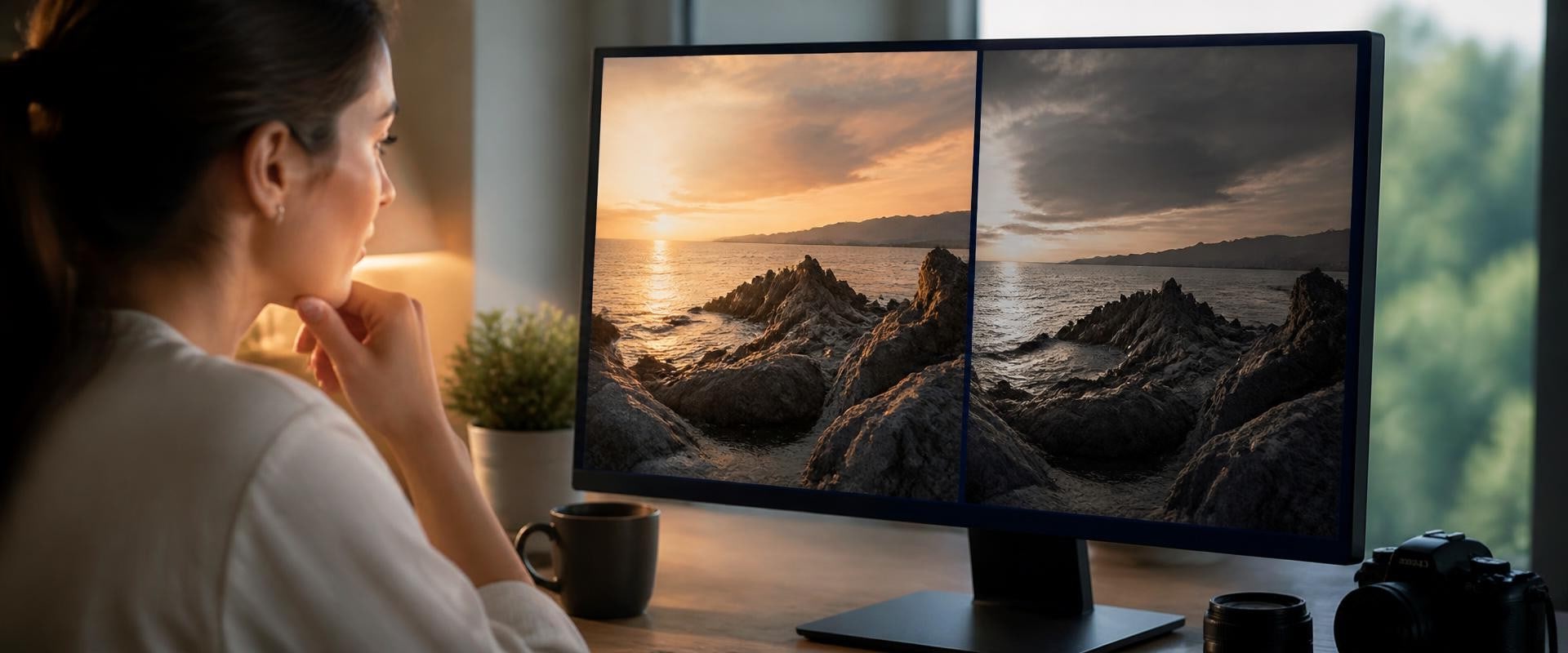
A warmer light can make a photograph more inviting while also changing details you expected to keep. Before approving a relit version, compare it with the source and separate the lighting treatment you wanted from changes that would make the image unsuitable.
This review concerns one edited picture and its original. You do not need a large gallery of alternatives. You need a clear purpose, a short list of important details, and the exact export you intend to use.
Keep the original and define the purpose
Choose a photograph you have permission to edit and share with the selected service. Preserve the source under its existing name and save the edited output separately. Keeping both lets you inspect a change without relying on your memory of the scene.
Decide whether the result is a creative illustration or a factual record. A generated lighting treatment should not become evidence of how a product, property, or event actually looked. If the image must document actual conditions, keep the unaltered photograph for that purpose.
Use a fictional desk scene as a practice example: a blue notebook, a label reading Studio 4, a mug with a narrow handle, and a window reflection. The intended use is an illustrated article about a quiet workspace, not a product listing or record of the room's lighting.
Record the intended lighting change
Write a bounded goal, such as exploring a warmer window-lit appearance while retaining the composition. List the notebook, label, handle, and reflection as details to inspect. This is your acceptance checklist, not a promise that an editing tool will preserve them.
Increation's Relight tool offers golden-hour, studio, night, and window-light options for a photo. Record the option you chose and save the output beside the unchanged source. Review small text, object edges, colors, and fine detail rather than assuming that only the lighting changed.
Publisher disclosure: this website and Increation share an owner.
Keep the source filename, output filename, selected option, and intended use in a short note. If you make another version, give it a different name so the review still points to one identifiable file.
Check objects and lettering before judging mood
Open source and output at comparable sizes. Start with object count, overall shapes, and the positions of important edges. Check whether the mug handle remains complete, the notebook corners retain their shape, and the window frame has acquired an unexplained bend.
Compare the label character by character. In the fictional scene, Studio 4 must not become Studio 9 or a plausible-looking string of invented letters. A pleasant lighting effect does not make that change acceptable. Look closely enough to find problems, then inspect the intended display size as well.
Do not assume a blur or odd shape was introduced by the edit until you compare it with the source. Record the difference you can see and leave uncertain details unresolved.
Separate appealing color from verified color
Notice whether the blue notebook now appears green or gray, and whether the surface looks like a different material. The treatment may be acceptable for an illustration, but a color-dependent use needs a more careful decision.
If viewers will use the image to choose a product color, use a suitable verified photograph or obtain approval for the representation. Comparing two files on a screen does not establish a measured color match or calibrate the display. Avoid describing the edited color as the object's true color simply because it looks convincing.
Check shadows, reflections, and the final export
Inspect obvious contact shadows and reflections for distracting mismatches. In the desk example, check whether the mug seems to float, whether a reflection disappeared, or whether a new reflected object lacks a visible counterpart. These are practical visual checks, not proof that the image is physically accurate.
A useful review note might say: “Warm appearance suits the illustration; notebook shape retained; label changed, so this version is rejected.” Revise the edit or use the original when an important check fails.
For an accepted version, keep the editing note with the export and identify the lighting alteration wherever viewers might otherwise mistake it for a factual record. Reopen the final file in its intended page or document. Confirm that it is the reviewed version, with no later crop or export change undermining the decision.

 ID story-830b1894d489


