
 ID story-d1be79207001
Check Photo Dates Before Combining Different Camera Collections
Investigate mixed-camera timestamp problems with sample events, distinct date fields, tested offsets, and clear notes for uncertain dates before bulk changes.
Distinguish captures, RAW/JPEG camera files, library entries and sidecar settings. Follow an original 96-capture example without deleting files to simplify counts.
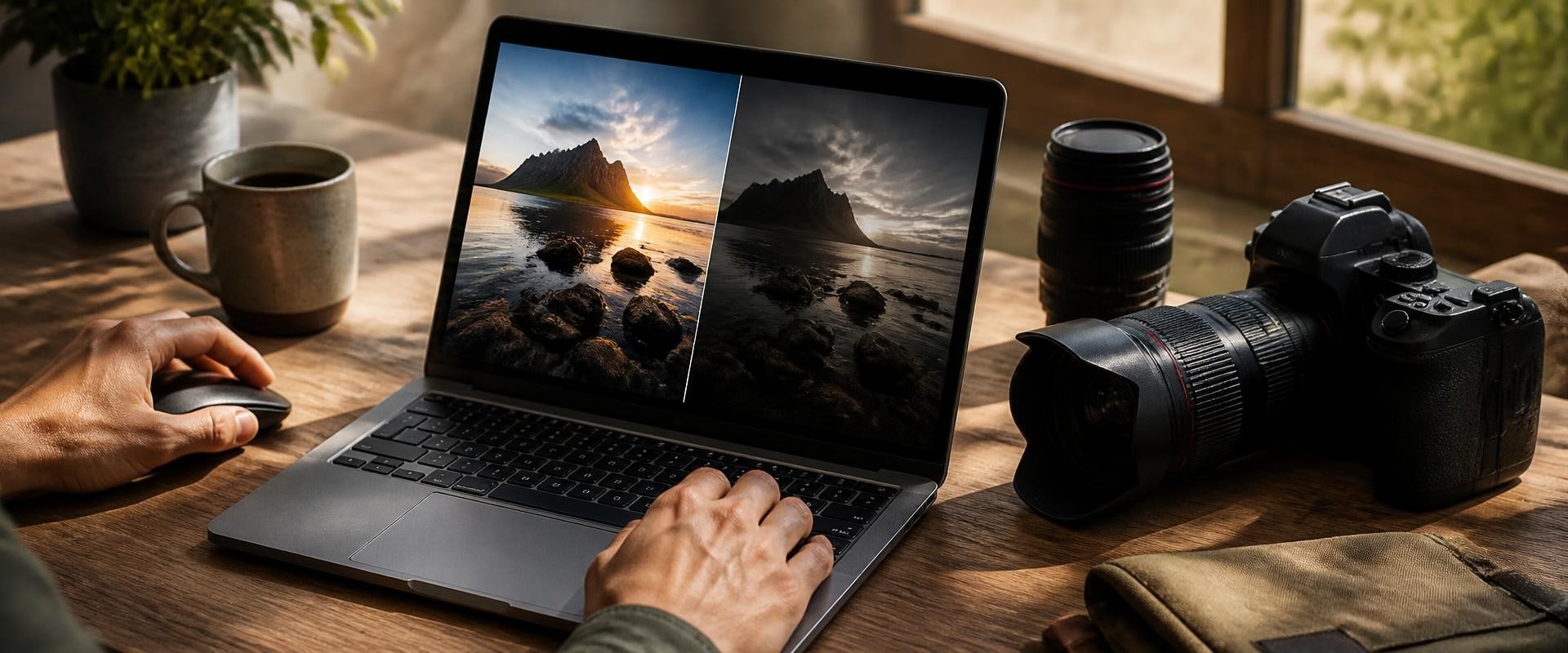
A folder from a camera set to RAW+JPEG can contain two image files for every shutter release. An application may show both, or present the pair as one library item. Before deciding that the collection contains duplicates or missing photographs, separate three counts: captures, image files, and visible library entries.
That distinction helps you choose the version you want to use while preserving what the camera supplied. The goal is to understand each file's role, not to make the folder look smaller by removing one format.
The camera JPEG is an already processed rendition. Adobe's raw-versus-JPEG guidance explains that the camera applies processing before saving the JPEG, which can include choices affecting contrast, color, and sharpening. You may want that camera-produced appearance for quick viewing or as a reference.
The RAW file supplies camera data for interpretation by compatible software. A displayed RAW image is a rendered view, not simply the sensor data placed on screen unchanged. Adobe's Camera Raw documentation describes how the software interprets that data and how supported raw formats vary by camera.
Those roles can justify keeping both files. A JPEG made later from the RAW is another rendition; do not assume it reproduces the camera JPEG's appearance exactly. Decide which result you intend to view, edit, or share rather than choosing solely by file size.
Start with a small sequence from one known camera session. Look at the original folder, file types, available capture information, and image content together. A matching base filename can be a useful clue, but it is not a universal identifier across different cards, cameras, or reused numbering sequences.
Use the camera's actual RAW extension; do not expect every raw file to end in .raw. Adobe specifically distinguishes camera raw formats from the separate Photoshop Raw format.
For your own record, describe a confirmed pair as one capture with two original camera files. If the relationship is uncertain, leave it unresolved instead of merging records because the thumbnails look similar. Consecutive frames of a still subject can be different captures.
Lightroom Classic provides a specific example. Adobe documents an import preference labeled “Treat JPEG Files Next To Raw Files As Separate Photos.” With it selected, the JPEG is imported as a standalone photo and both versions are visible for editing. With it deselected, Classic treats the paired JPEG as a companion file and displays the RAW entry with a +jpg indication.
This describes Lightroom Classic, not every photo application. Read the documentation for your application and version before interpreting its item count. An entry that represents a pair does not establish that only one physical file exists, and two thumbnails do not establish two shutter releases.
Inspect the current arrangement before changing an import preference. Do not assume a setting change will automatically reorganize everything already in a library.
Imagine a photographer makes 96 captures during one afternoon, deliberately recording both RAW and JPEG for every capture. All files are present and their pairings have been confirmed. This is an invented example, not a performed camera or software test.
Later, the photographer's chosen workflow writes 12 separate XMP files and produces eight edited JPEG exports. The project now contains 192 + 12 + 8 = 212 files, while the number of original captures remains 96. Neither the 12 settings files nor the eight exports represents a new shutter release.
Keep the role counts visible: 192 camera image files, 12 settings files, eight edited outputs. A bare “212 photos” would describe this project poorly.
The word “sidecar” needs context. In Lightroom Classic's paired-import description, it refers to the JPEG accompanying a RAW file. An XMP settings file is a different kind of companion.
Adobe documents that Camera Raw adjustments can be stored in a database, in an XMP sidecar, or within DNG metadata. Therefore, do not expect every edited RAW to produce a separate XMP file. In the example, 12 XMP files are a stated feature of that workflow, not a rule inferred from 12 edited pictures.
When selecting an image for a particular use, identify whether you chose the camera JPEG or an edited rendition from the RAW. Keep generated outputs distinguishable from the camera files so the same capture does not gradually become several unexplained “originals.”
Record the application and pairing behavior alongside your role counts. Keep the files required by your chosen workflow in your backup plan; a RAW and its JPEG on the same storage device do not constitute an independent backup. Clear roles and counts let you explain the collection without deleting anything to make the numbers agree.
ID story-d1be79207001Investigate mixed-camera timestamp problems with sample events, distinct date fields, tested offsets, and clear notes for uncertain dates before bulk changes.
 ID story-acf1a9c95bc6
Learn How AI Can Help You Efficiently Manage and Store Your Photos and Files Online
 ID story-3862fa46a156
Learn all about Microsoft Azure and how it can help you store, backup, and manage your images and files in the cloud. Discover the best options for cloud storage and image hosting services.
 ID story-1c4c22c21367
Define photo keywords with clear boundaries, handle uncertain subjects and older labels, and test consistency with an original ceramics-library example.